Spots with rules, not just a pin
Each location can list county, hours, entry, drinks, smoking, live music, and whether you can bring your own speaker. Leave a review after you visit.
Bought too much credit? Sitting on a bulk reward? Airwallet converts unused airtime into cash on an enabled mobile wallet — and sells discounted airtime when you need to top up instead.

New · Park & Chill
Park & Chill is for real meetups — parks, rooftops, and night joints — not another social network. Browse published spots, see hours and house rules, then generate a join link with a title and a guest limit. Friends join from the link. Nobody needs an Airwallet account.
Each location can list county, hours, entry, drinks, smoking, live music, and whether you can bring your own speaker. Leave a review after you visit.
Name the hangout, pick date and time, write a description with emojis, and say how many people you are inviting. When that number fills up, join and accept close.
Public hangouts show on the spot and in the public menus. Private ones stay on your share link, and you accept each join request from the host dashboard.
Hosts get a dashboard link and a one-time email code. Guests confirm from email, pay M-Pesa only if you set a fee, then receive their own hangout page.
Anyone with the link can comment and react. When the host starts the session, accepted guests get a live party room for comments, replies, and emoji.
One event date per host at a time, with at least three days before the next. Admins can deactivate a link and email the owner with a reason.
Airwallet exists because households regularly end up with more airtime than they can talk or browse. Company rewards, mistaken top-ups, and unused bundles do not pay rent, school fees, or electricity.
We run an automated hub: you start a conversion, send credit through the normal carrier share flow, and we pay out to the mobile wallet you choose. Affiliators can also sell discounted airtime from the same stack of network providers.
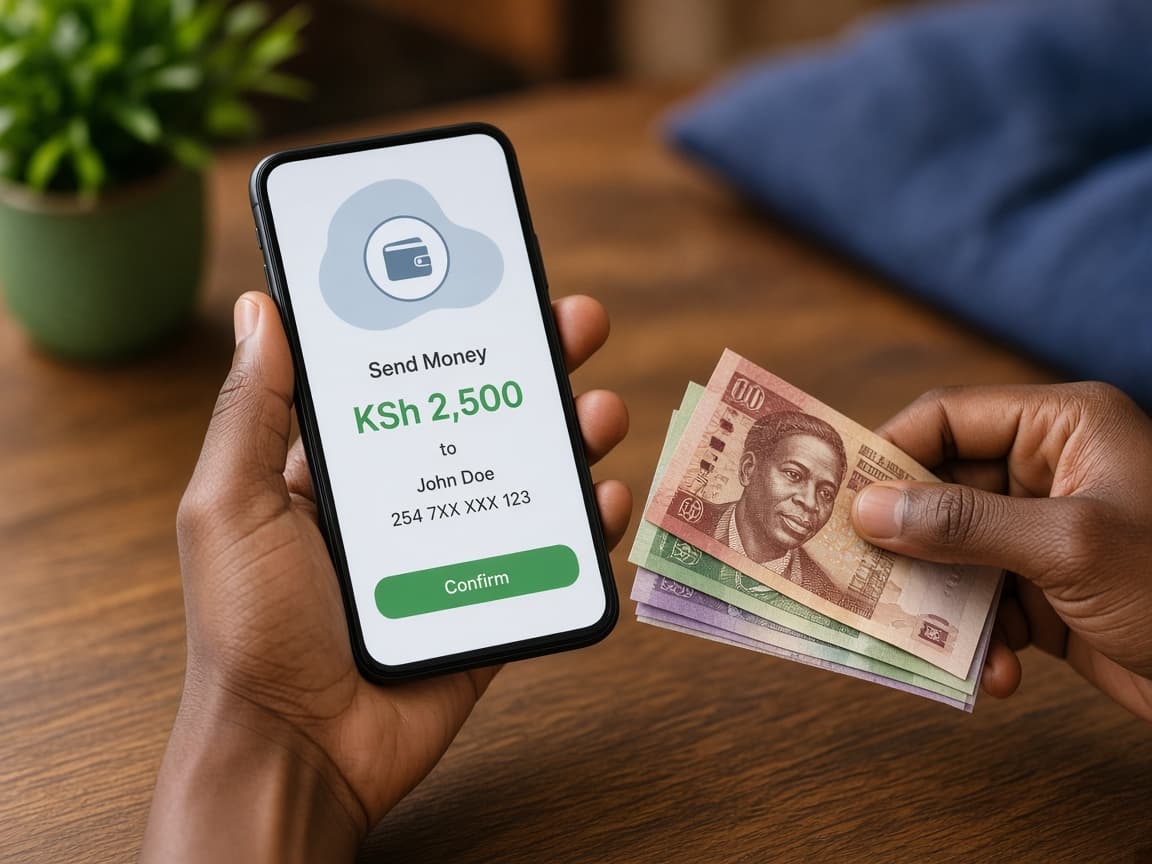
Confirmed transfers are paid out through the wallets enabled for that provider.
The USSD or share step happens on your handset. We never log into your line.
Open the hub, pick a live network, send the airtime, and wait for the cash confirmation on your payout number.
Enter your sending number, choose an enabled network, and set the airtime amount.
Use the share-airtime instructions shown for that provider. Keep the SMS confirmation — our listeners match the inbound credit.
Enter the wallet that should receive the payout. Settlement follows the live conversion rate minus the published fee.
Each telecommunication provider can be turned on separately for discounted sales, credit-to-cash conversion, and affiliator withdrawals. If a network is missing on the hub or buy page, it has not been enabled yet.
Convert
Share airtime in, cash out to a live wallet
Buy
Discounted credit on enabled networks
Withdraw
Affiliator payouts when a network is live

Buy through Airwallet or an affiliator link and pay less than face value — typically up to — off, with instant allocation when stock is available.

Share a personal hub and buy link. You earn when referred customers convert airtime or purchase discounted credit. Commissions land in your affiliator wallet and can be withdrawn on enabled payout networks.
Register, complete 2FA, then copy your conversion hub URL and airtime buy URL from the affiliator console.
Take a cut of conversion fees and a percentage of discounted airtime sales attributed to your code.
Request a payout to an enabled mobile wallet whenever withdrawals are open.
Share notes, leave public comments, and follow product updates.
Expense Manager
Households run M-Pesa, cash, and informal credit side by side. Expense Manager writes that down: categories for bills, remaining balances on loans you repay as expenses, and a net-worth view that includes what you are owed and what you owe.
Cash, mobile money, bank, card
Category, merchant, date, receipt
Pay down remaining from an expense
Caps per category and period
You start with a mobile number on an enabled network. Country of registration is recorded for affiliators and staff where required.
Conversion and buy flows are self-serve. Payout speed depends on the live provider integration, not a call centre queue.
Administrators publish conversion and credit-sale rates. What you see in the hub is what we apply to that ticket.
You can convert from the minimum shown in the hub up to the session limit. Daily limits also follow your carrier’s share-airtime rules.
Once the airtime transfer is confirmed, payouts are queued automatically to the mobile wallets an administrator has enabled for conversion.
No. The conversion rate, platform fee, and cash you will receive are calculated on screen before you send airtime.
Any mobile network an administrator has switched on can appear. The hub and buy pages only list live networks.
We use standard carrier transfer channels. We never ask for your PIN, password, or SIM unlock code. You stay in control of the transfer on your own phone.
Registered affiliators earn a share of conversion fees and a commission on discounted airtime sold through their link. They withdraw from the affiliator console to an enabled payout network.
It is a personal money ledger: wallets, expense categories, loans, friends, group splits, and budgets. Register as an expense user, verify email, and you get a dashboard that only shows your own transactions — separate from converting airtime.
Park & Chill is Airwallet’s hangout finder. Browse published parks, rooftops, and night spots, see opening hours and house rules, then create a join link for a real event. You do not need an Airwallet account to host or join.
No. Enter your name, email, and mobile, add a title, how many people you are inviting, date, time, and optional description. We email you the public join link and a private host dashboard. The dashboard uses a one-time email code, not a password.
When you create a link you set how many people you are inviting (1–500). Joined guests and people still waiting on email, payment, or host approval all count toward that number. Once it is full, nobody else can join or accept.
Public hangouts appear under the spot, on Public hangouts, and on Active hangouts so anyone can open details and join. Private hangouts stay on the share link. Private joiners send a request the host accepts or declines from their dashboard.
They open the join link, enter name and email, then confirm from an email we send (or wait for the host on a private hangout). If the host set a joining fee, they pay with M-Pesa after they are accepted. They then get a personal hangout page with details and conversation.
Each host (same email or mobile) can only have one event date at a time, and the next date must be at least three days apart. The join link stays open until a few days after the event date unless an admin deactivates it.
Only Airwallet admins can activate or deactivate a join link. Hosts cannot switch it off themselves. If a link is deactivated, the owner is emailed with the reason.
When the host starts the session from their dashboard, accepted guests get an email with a login to a live party page. They can comment, reply, and react with emojis. Hangout details and ticket pages also keep the pre-event conversation.
Yes. After the event time, the join page lets guests review that hangout. Spot pages also collect general reviews for the location.
An administrator can switch Park & Chill on or off under System Features. If it is off, the public pages show Coming soon until it is activated again.
Start a conversion, buy discounted airtime, or register as an affiliator — all from the same Airwallet account family.